
Habitshabits
Habits
What it shows
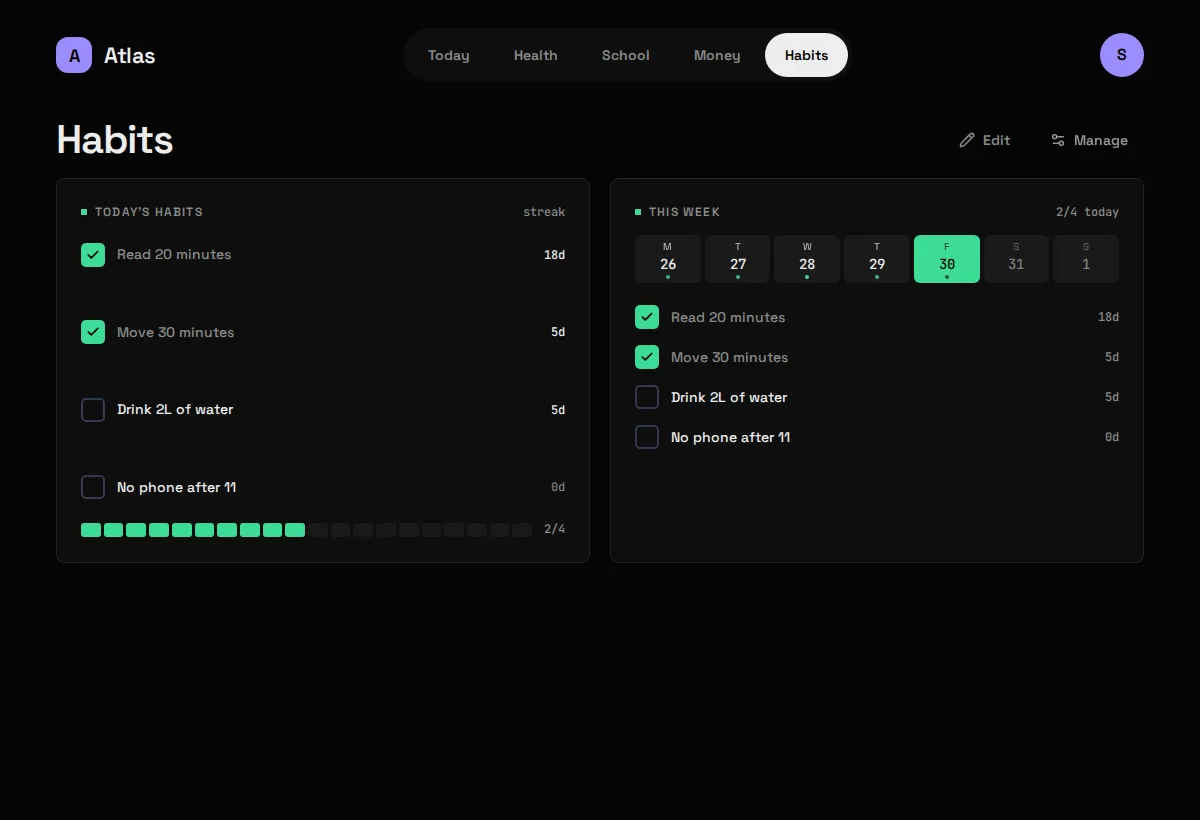
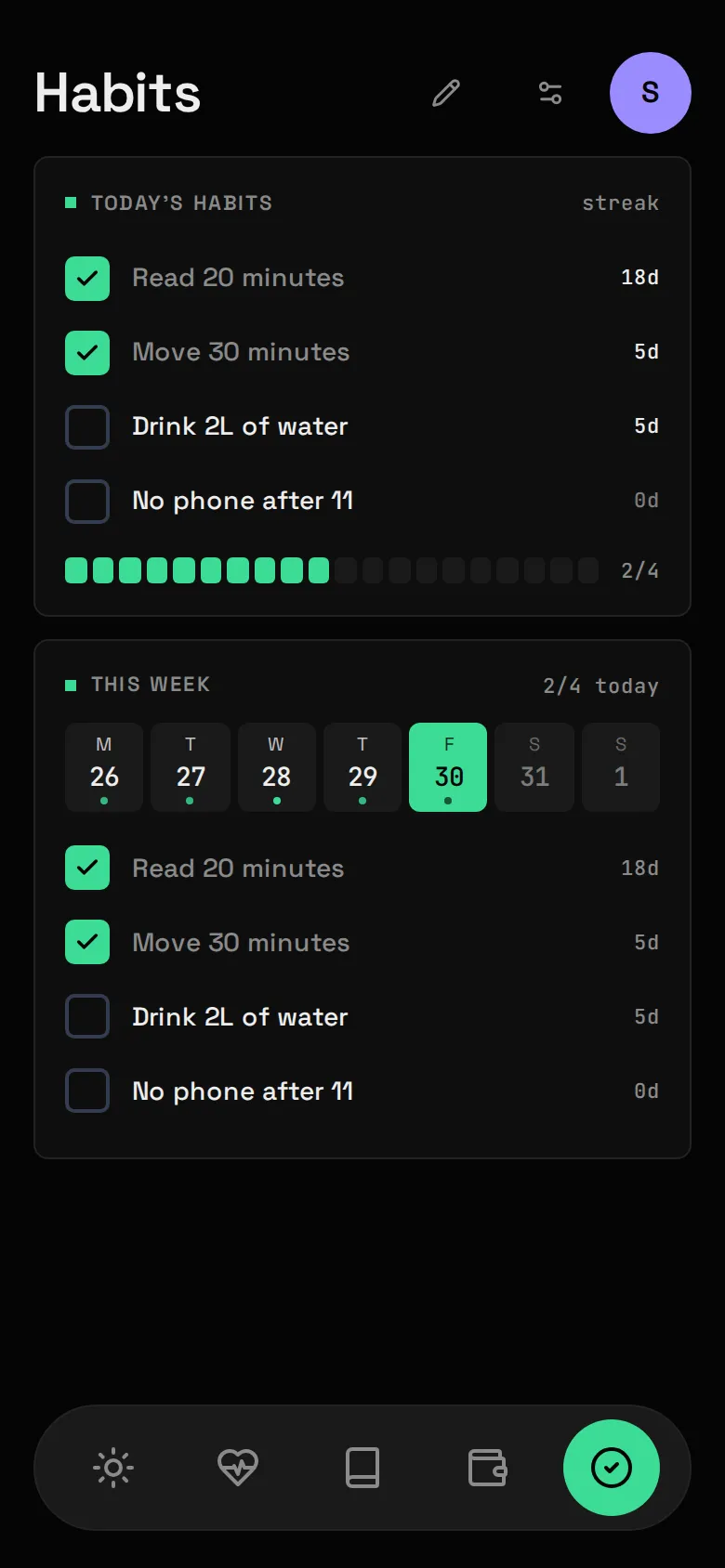
Section titled “What it shows”The habits you mean to do each day, ticked per local day, with streaks, and a week strip for Backfilling missed days.
| Widget | Sizes | Where |
|---|---|---|
| Today’s habits | S M L | anywhere |
| This week | L | Habits only |
What you need
Section titled “What you need”Nothing. Habits has no Source: you are its upstream.
- Make sure
habitsis inmodules:inconfig/atlas.yaml(it is in the example). - Open Habits and press Manage to add your habits. Manage is also where you rename, archive and restore them.
- Tick a habit from a Today’s habits Widget at Size M or L. At Size S the Widget is a count and meter with no tick buttons. To Backfill a day earlier this week, tap that day in the This week strip first, then tick.
Config keys
Section titled “Config keys”None. Habits has no file in config/modules/ and no secrets.
What it stores
Section titled “What it stores”| Table | Holds |
|---|---|
habits |
Each habit: name, icon, order, when it was archived. |
habit_entries |
One row per tick: habit and local date. An untick is the row’s absence. |
Your ticks are the only record anywhere, so include Atlas in your backups.
Measured habits
Section titled “Measured habits”With Health on, a habit can be linked in Manage to a Health figure and a target:
| Figure | Default target |
|---|---|
| Hours asleep | 8 h |
| Steps | 10,000 |
| Active minutes | 30 min |
After every Health sync, Atlas ticks the days in the last week where the figure reached the target. Linking re-checks the last 90 days, never before the habit was created. A day follows the figure’s own rule: a Night counts for the morning you woke up.
A manual tick or untick always wins. It’s stored as yours and never overwritten by a later sync, so Habits stays the one place where you are the authority.
Gotchas
Section titled “Gotchas”- Days are local, in
timezonefromatlas.yaml. If ticks land on the wrong day, check it. - Streaks are computed, never stored. They’re worked out from your ticks on every read, so ticking a missed day repairs every figure at once. Today’s streak counts through yesterday until today is over.
- A habit begins at the earlier of its creation and its oldest tick, so backfilling before you added it counts, and the days before it existed never count as misses.
- Archive is the way out. Archiving stops a habit counting from that day on without rewriting the months it was live, and Manage can restore it. The app offers no delete; the API’s
DELETE /api/habits/{id}removes a habit and every tick it had. - There’s no “failed” state: no tick just means not done.