
Healthgoogle_health
Health
What it shows
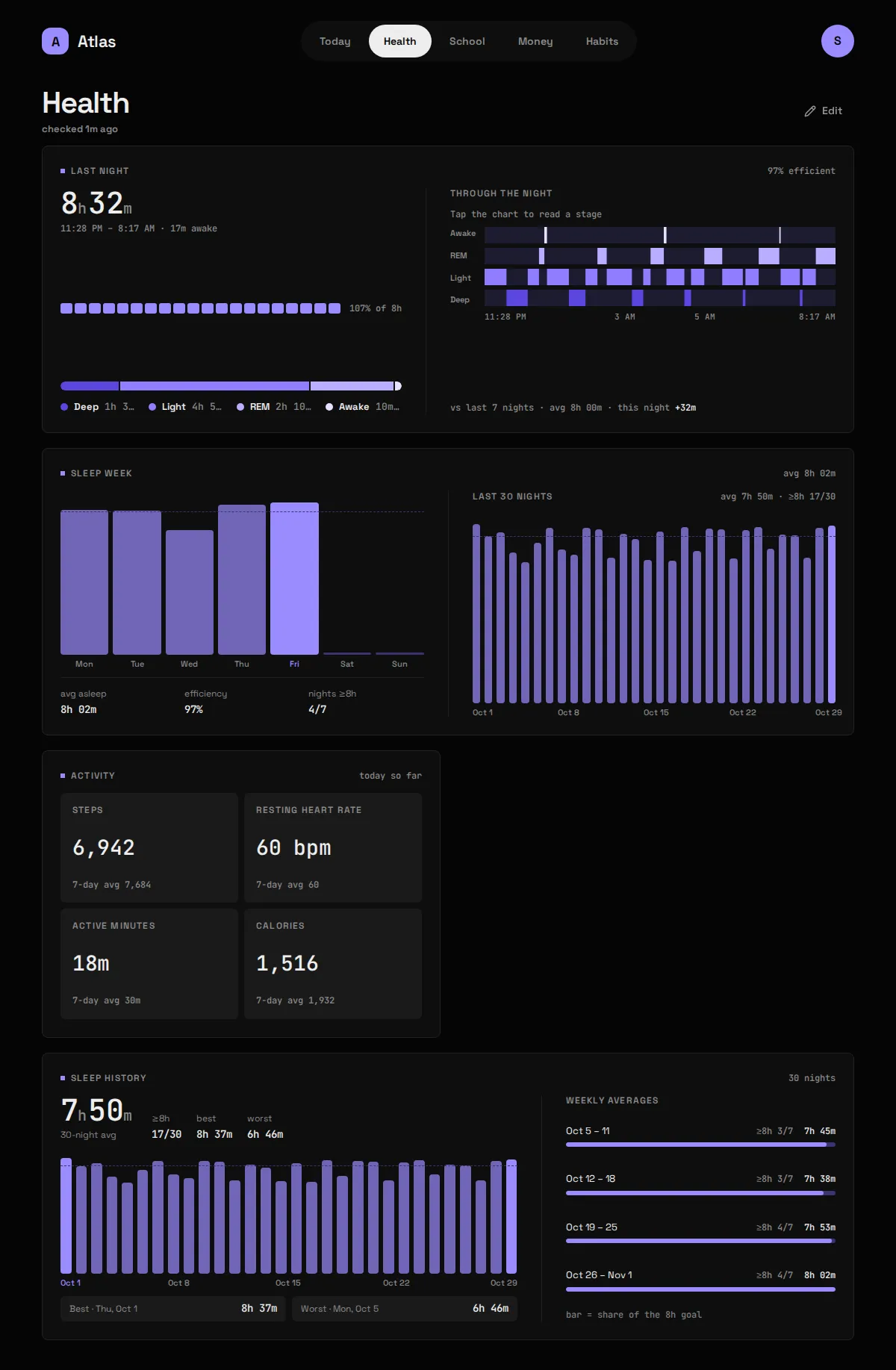
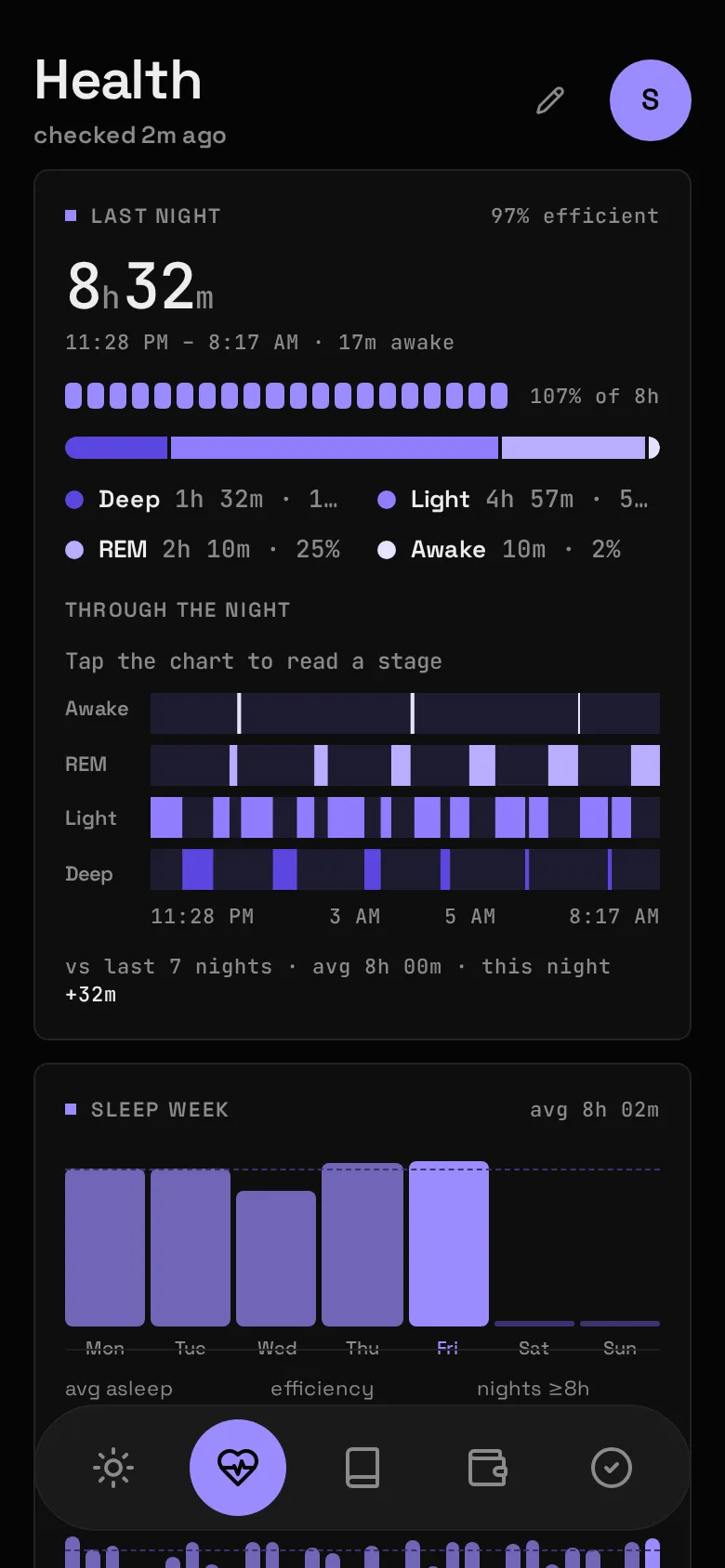
Section titled “What it shows”Last night’s sleep with its stages through the night, the week’s nights against an 8-hour line, today’s steps, resting heart rate, active minutes and calories, and a 30-night history.
| Widget | Sizes | Where |
|---|---|---|
| Last night | S M L XL | anywhere |
| Sleep week | M L XL | anywhere |
| Activity | S M L | anywhere |
| Sleep history | L XL | Health only |
A Night is one main sleep session, filed under the date you woke up. Naps aren’t Nights.
What you need
Section titled “What you need”- A Fitbit or Pixel Watch whose account is a Google account (see Gotchas).
- A Google Cloud project with an OAuth client. It’s free and takes about ten minutes, once.
- An HTTPS address for Atlas that Google can redirect your browser back to, such as the one your reverse proxy serves. If you don’t have one, there’s a paste-back fallback.
This uses the Google Health API (health.googleapis.com), not dev.fitbit.com: the old Fitbit Web API was turned down in September 2026, and most tutorials online still describe it.
In the Google Cloud console:
- Create a project. Under APIs & Services → Library, enable Google Health API.
- Google Auth Platform → Branding: an app name and your support email.
- Audience: External, publishing status Testing. Add your own Google account under Test users.
- Data Access: add the three read-only scopes:
googlehealth.sleep.readonlygooglehealth.activity_and_fitness.readonlygooglehealth.health_metrics_and_measurements.readonly
- Clients → Create, type Web application. Under Authorized redirect URIs add the address you open Atlas at, plus
/api/sleep/oauth/callback. Copy the client secret now: Google shows it once.
Then in Atlas:
-
Put the client in
.env:Terminal window GOOGLE_OAUTH_CLIENT_ID=...apps.googleusercontent.comGOOGLE_OAUTH_CLIENT_SECRET=... -
Put the same redirect URI in
config/modules/google_health.yaml:redirect_uri: https://atlas.example.com/api/sleep/oauth/callback -
Add
google_healthtomodules:inconfig/atlas.yamlanddocker compose up -d. -
Open the Status screen (avatar menu) and press Connect Fitbit. Sign in with Google and allow all three scopes.
The first sync after connecting backfills 90 days.
If you looked around with the demo data first, that still holds: the backfill window ignores the made-up nights, so the first real sync pulls the full 90 days. The made-up nights stay in the archive next to the real ones until you wipe them with python -m app.demo --force (or clear the tables). The Connect banner only says your 90 days are in once a real night is archived.
No HTTPS address?
Section titled “No HTTPS address?”Register http://localhost:8080/oauth/callback on the client instead and set that as redirect_uri. The Status screen then opens Google in a new tab and asks you to paste back the address the browser lands on, even though that page won’t load. No code change either way.
Config keys
Section titled “Config keys”config/modules/google_health.yaml, plus GOOGLE_OAUTH_CLIENT_ID and GOOGLE_OAUTH_CLIENT_SECRET in .env.
| Key | Meaning |
|---|---|
redirect_uri |
Must match one of the client’s authorized redirect URIs exactly, port included. |
The Module reports “needs setup” until all three are set. Whether an account is connected is separate: that’s the Status screen.
What it stores
Section titled “What it stores”Archived, hourly at :40.
| Table | Holds |
|---|---|
sleep_sessions |
Each sleep: start, end, the date you woke, main or nap, minutes asleep and awake, minutes per stage, the stage timeline, and the data point exactly as Google sent it. |
daily_activity |
One row per local day: steps, resting heart rate, light/moderate/vigorous minutes, calories. |
oauth_tokens |
The Google sign-in: access and refresh tokens and when they expire. In the database, never in .env. |
Disconnect on the Status screen revokes and forgets the sign-in; the Nights and activity it brought are kept.
Gotchas
Section titled “Gotchas”- The sign-in lapses every 7 days, by design. Every Google Health scope is restricted, so a personal app stays in Testing, where Google lets a refresh token live 7 days from consent however often it’s used. Atlas knows the deadline: Today shows a Reconnect banner from two days out and again once it has lapsed. One tap fixes it. Leaving Testing would need Google’s verification and a paid annual security assessment.
- Your Fitbit account must be a Google account. A legacy Fitbit login completes consent and then gets a 403 mentioning
UberMint. Sign in to the Fitbit app with “Continue with Google” first. Atlas names this case. - All three scopes, not two. Resting heart rate is a health metric; without that scope it’s a 403. Unticking a box on Google’s consent screen is caught and named.
redirect_uri_mismatchmeans the URI ingoogle_health.yamland the one on the client differ, often just by port or trailing slash.- Hourly, not nightly. Last night only exists once your watch syncs after you wake; a 4am run would leave the Widget a night behind all day.
- Each run re-reads the last 7 days, because Google finishes processing a night later and you can edit sessions in the Fitbit app. Within that window Google is the truth. A run that returns no sleep at all changes nothing: that’s a watch that hasn’t synced, not a week awake.
- Missing is not zero. An off-wrist day has no figures; a worn-but-idle day’s steps are a true 0.
- Efficiency is computed, as time asleep over time in the sleep period, so it can differ from the Fitbit app by a point.
- With Health on, a Habit can tick itself from hours asleep, steps or active minutes.