
Demo data
The demo fills an empty Atlas with believable, entirely made-up data for a student called Sam: four habits with streaks, five weeks of sleep and activity, a term’s assignments and class sessions, and three weeks of work shifts. Weather stays real. Every screenshot in this manual was taken from it.
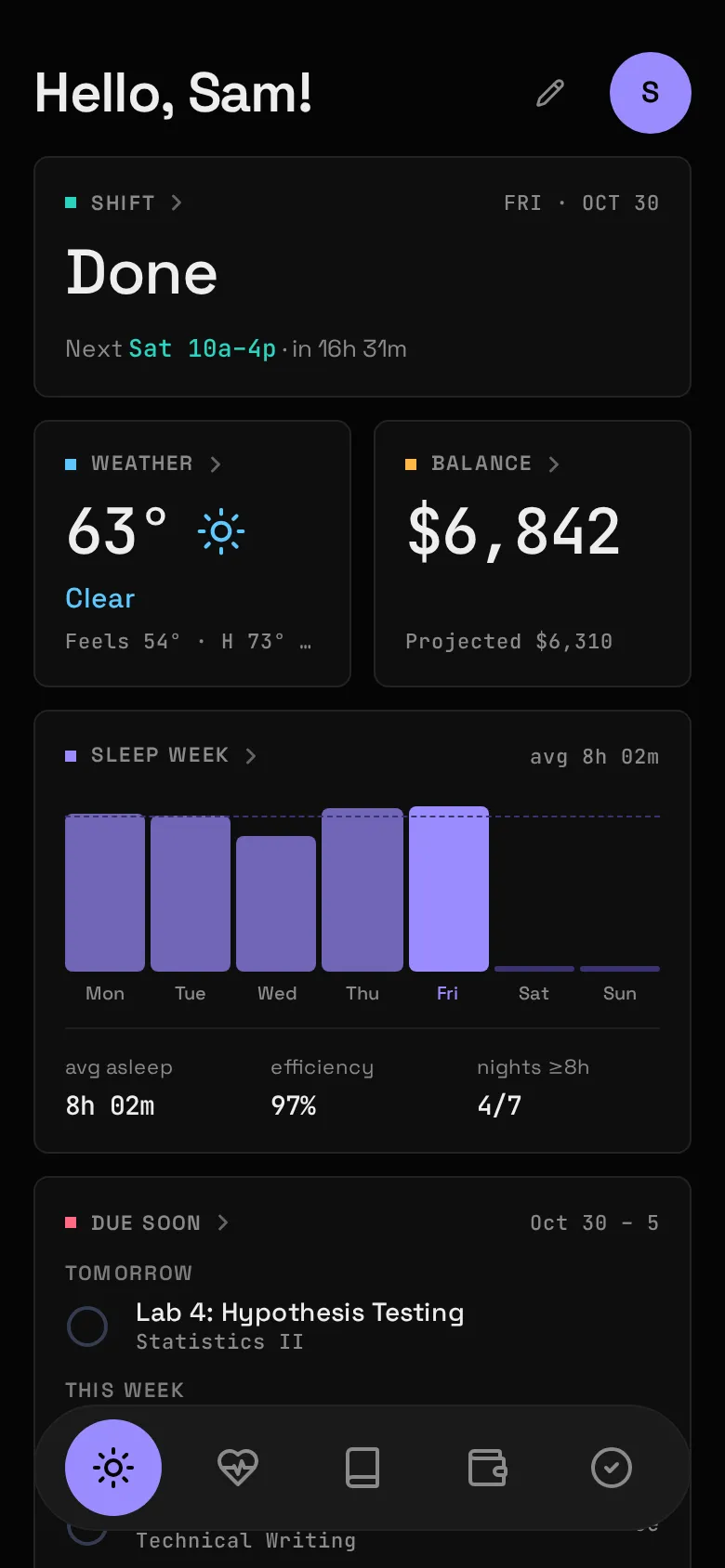
Turn it on
Section titled “Turn it on”-
In
config/atlas.yaml, adddemo: trueand switch on the Modules the demo fills:name: Samtimezone: America/New_Yorkmodules:- open_meteo- habits- work- canvas- google_healthdemo: trueWeather needs your coordinates. If you went through Setup’s Place step it already has them; if not, copy
config.example/modules/open_meteo.yamltoconfig/modules/and setlatitudeandlongitude. -
Restart the API, seed, and fetch the weather (from the install folder, the one with
docker-compose.yml):Terminal window docker compose restart atlas-apidocker compose exec atlas-api python -m app.democurl -X POST 127.0.0.1:8187/api/sync/weather -
Reload the page.
Add securo and audiobookshelf too and Money and Listening fill with made-up accounts, bills, goals and books. They are live and store nothing, so demo mode answers for them in place of Securo and Audiobookshelf; nothing is sent upstream.
What demo: true changes
Section titled “What demo: true changes”- School, Health, Money and Listening count as set up without an account, so their Widgets draw the seeded rows (or, for Money and Listening, the made-up data) as if Canvas, Google, Securo and Audiobookshelf fed them.
- Their syncs reach no upstream and rewrite nothing: cron still runs them, which keeps Freshness current, but the seeded rows stay put.
- The seed script refuses to run without it.
Safety
Section titled “Safety”The script only runs in demo mode and only on empty tables: if Atlas already has habits, sleep, school or work rows, it refuses. So it can’t land on top of real data.
--force is the exception. It deletes every row in the tables the demo fills (habits and ticks, sleep and activity, assignments and class sessions, work weeks and shifts) plus saved Board layouts, then reseeds:
docker compose exec atlas-api python -m app.demo --forceNever point --force at an install with data you care about.
Keeping it fresh
Section titled “Keeping it fresh”The demo is written relative to the day you run it: last night, this week’s assignments, today’s shift. A few days later it starts to look stale. Run it again with --force to bring it up to date.
Going real
Section titled “Going real”Remove demo: true before connecting real accounts, then docker compose restart atlas-api. The demo rows don’t go away by themselves; for a clean start, remove the database volume (docker compose down -v, which deletes everything Atlas stored) and bring it back up.